

YOUR CART IS CURRENTLY EMPTY
How do I clean a touch screen kiosk safely?
Why does a touch screen kiosk need regular cleaning?
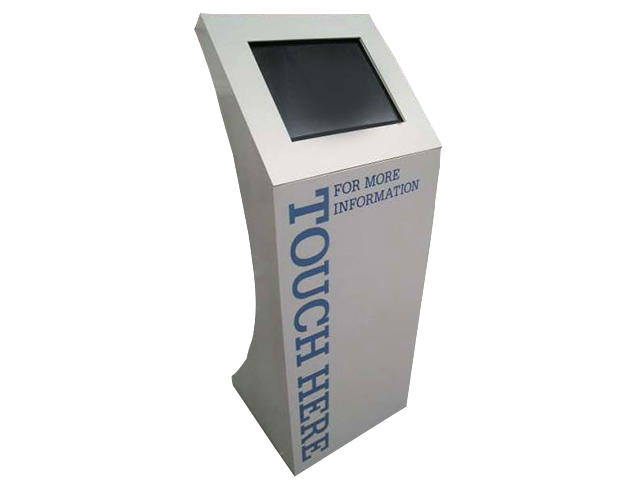
A kiosk in a foyer, shopping centre or exhibition hall is touched by everyone who walks up to it. Fingerprints and grime build up quickly and make the screen harder to read, and a shared screen needs to stay hygienic. WA Health's workplace cleaning advice, written for use after an infectious disease outbreak, lists touchscreens among the surfaces to clean in shared workspaces, and advises cleaning and disinfecting frequently touched surfaces at least twice a day.
At a busy event, that means a full clean before the doors open and again at pack-down, with a quick wipe in quiet moments through the day. Keep cloths and a suitable disinfectant on your stand, so whoever is staffing the kiosk can do it without leaving.
What's the difference between cleaning and disinfecting?
Cleaning physically removes dirt and germs from the screen. Disinfecting uses a chemical to kill the germs that are left. Clean first, because dirt and grime can affect how well a disinfectant works.
The main risk to the kiosk is liquid. If cleaner runs down the glass, it can get inside the unit. WA Health advises using manufacturer approved products on any electronic equipment, so check the screen maker's care instructions first. They override any general advice, including ours.
What should I never use on a touch screen?
The screen maker's own list always comes first. As an example, one touchscreen maker rules out:
- Isopropyl alcohol stronger than 70%
- Undiluted bleach or ammonia solutions, which may cause discolouration
- Abrasive cleaners, steel wool or abrasive sponges
- Strong solvents, thinners or acids
Never spray anything straight onto the screen, and don't mix different cleaning or disinfecting products.
Use the following steps to clean a touch screen kiosk
1. Turn the screen off. If you can't, make sure the software on screen won't be affected by stray touches while you clean.
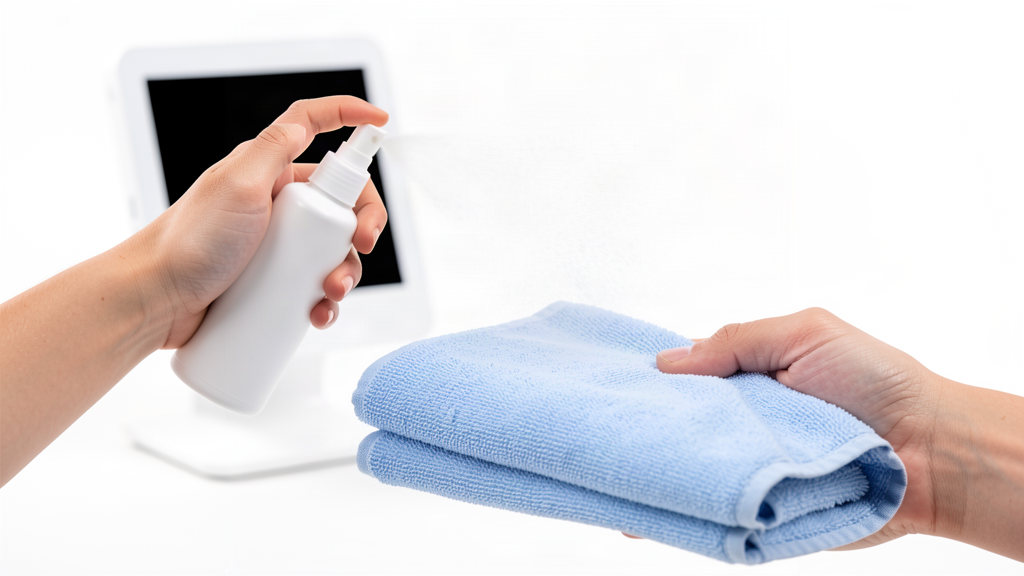
2. Dampen a non-abrasive cloth with a cleaning solution the screen maker approves. Spray the cloth, never the screen.
IMPORTANT: Squeeze out any excess moisture. The cloth should be damp, not dripping, so no liquid can run into the unit.
3. Wipe the screen gently from the top down. Work from high to low and from clean to dirty, wiping in an S-shaped pattern.
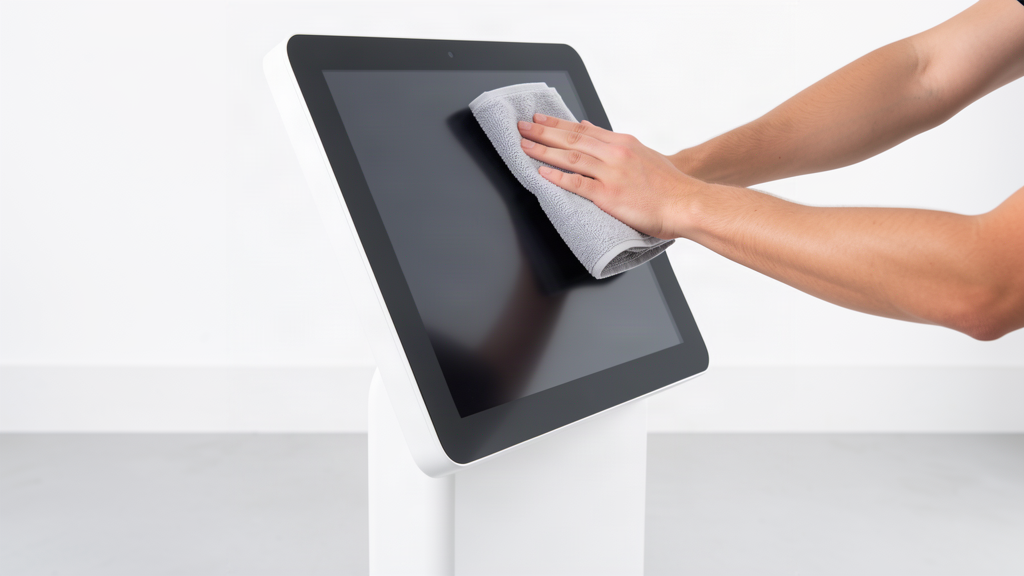
4. Wipe the frame and the stand the same way, keeping the cloth away from any gaps, ports or vents.
5. Disinfect the screen with a fresh cloth or wipe. Use a disinfectant the screen maker approves, such as a 70% isopropyl alcohol solution, applied to the cloth with the excess squeezed out.
Note: Read the label and Safety Data Sheet first. Many disinfectants need the surface to stay wet for a few minutes, so you may need to keep wiping. Safe Work Australia's COVID-19 cleaning guidance lists gloves and eye protection as the PPE to wear when using disinfectants.
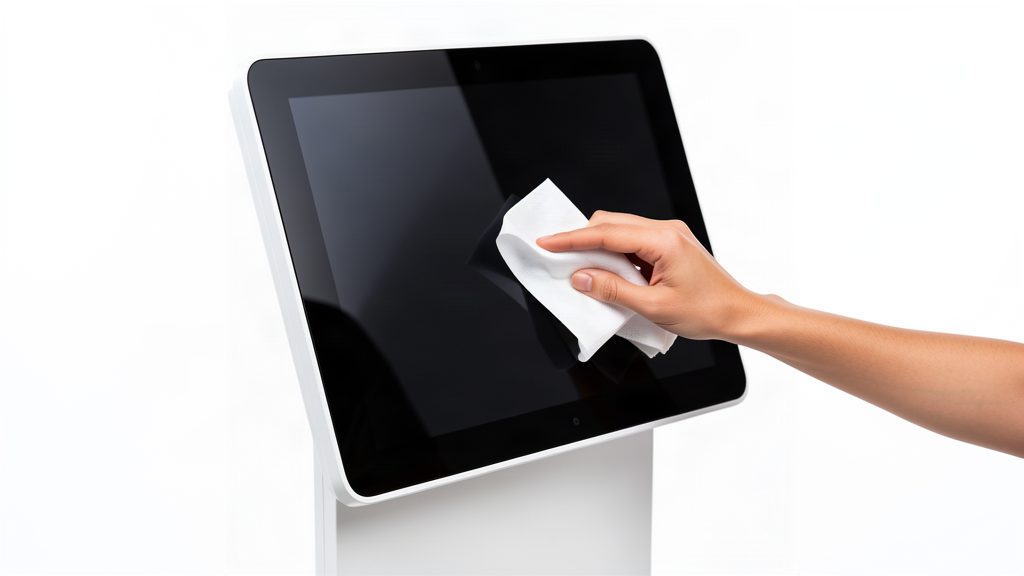
6. Finally, let everything dry completely, then turn the screen back on and check it responds to touch. You're done!
Note: If a kiosk we supplied stops responding properly on show day, we offer on-site or after-hours help for clients using our equipment. See our interactive digital kiosks and interactive flat panels for the screens we supply.
Need some help?
We're here for you
If you're needing some advice or just a helping hand, please get in touch with our team, by clicking this button. Complete the enquiry form and one of our specialists will call you back as soon as we can.