

YOUR CART IS CURRENTLY EMPTY
How do I set up a pop-up media wall?
What is a pop-up media wall?
A pop-up media wall is a fabric backdrop on a folding frame. It's the wall people stand in front of for photos and interviews at launches, award nights and expos.
Our Big Mural display wall uses a folding aluminium "spider" frame. Its full colour fabric graphic attaches to the frame with industrial-strength hook-and-loop fastening and stretches around each side of the frame.
Why is it so quick to set up?
The graphic stays attached to the frame when you pack it away. So there's no rolling, hanging or lining up a graphic at the venue. One person can set up a Big Mural in less than 90 seconds, and there's less chance of anyone damaging the graphic while setting up or packing up.
Which sizes are there?
The Big Mural is 2259mm high. The straight wall comes in 1520mm, 2260mm and 2995mm widths, and the Big Mural curved backdrop in 2259mm and 2995mm widths. A complete 3m wide straight Big Mural weighs about 13kg, including the frame, graphic and the optional spotlights.
What should I check before the event?
- The space. Measure the floor you've been given, and make the wall wider than the group you expect in the photos.
- The camera. Work out where the photographer will stand, and keep your key logos inside the area they'll frame.
- The light. Check for reflections and colour casts from the venue lighting. A glossy surface can cause problems under camera flash.
- Room to step back. Don't put the wall against a walkway where people can't step back to take a photo.
Steps to set up a pop-up media wall
1. Take the folded frame out of its carry bag and stand it on the floor, graphic end up, where there's room to open it out to the full width and height of the wall.
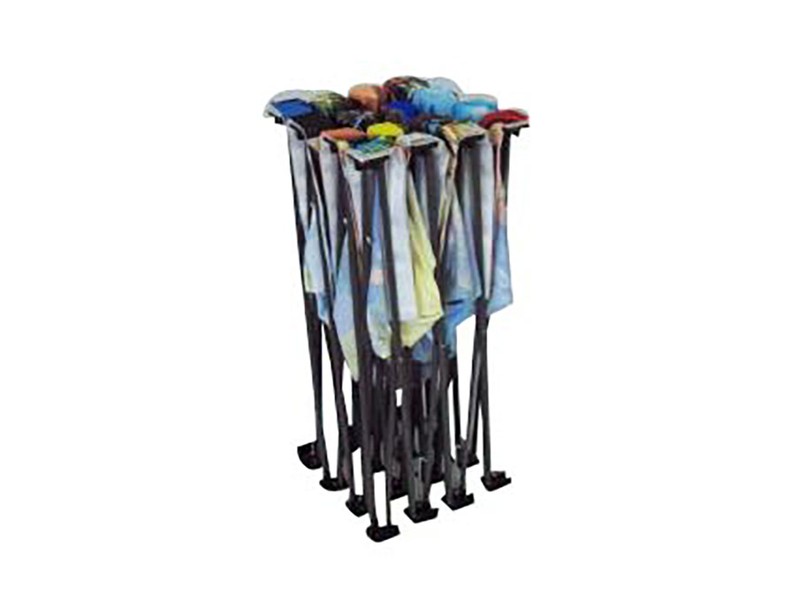
2. Pop the frame up. Pull the struts apart evenly until the frame is fully open.
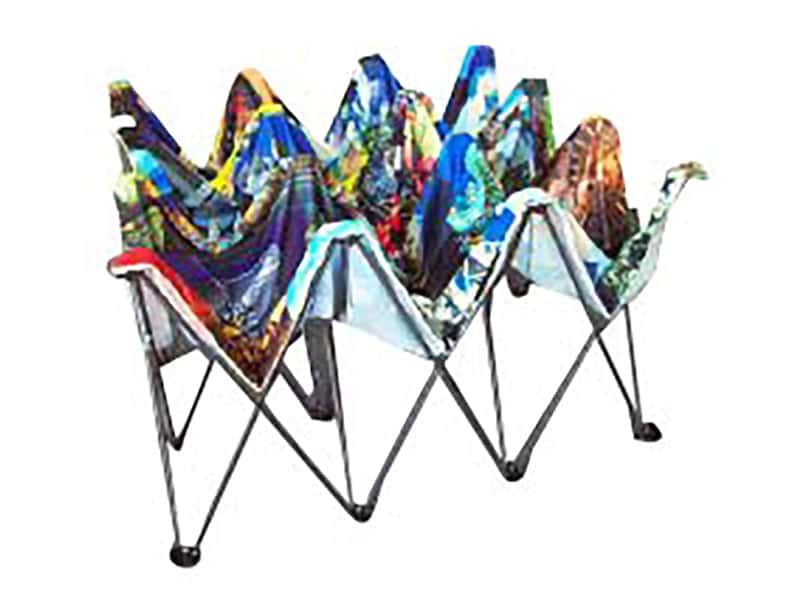
3. Attach the tension hooks together.
4. Stand the wall in place, with the printed side facing the way people will look at it.
5. Check the graphic. Walk around to the front and look along the edges and corners. If an edge has lifted, press it back onto the hook-and-loop fastening on the frame.
6. If you have the optional LED light kit, fit the spotlights to the top of the frame.
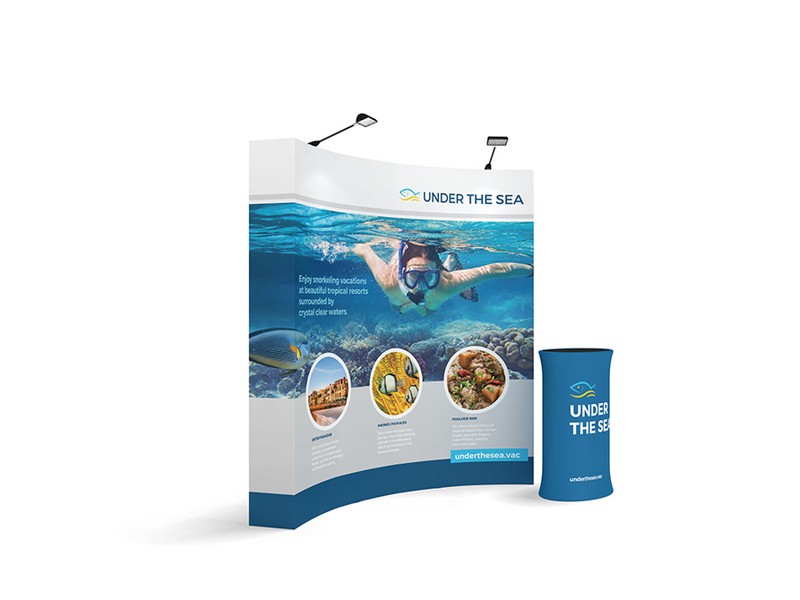
7. Stand back and check the wall from where the photographer or camera will be.
IMPORTANT: Don't put key logos at floor level or right on the outer edges. People standing in front of the wall will hide them, and the camera may crop them.
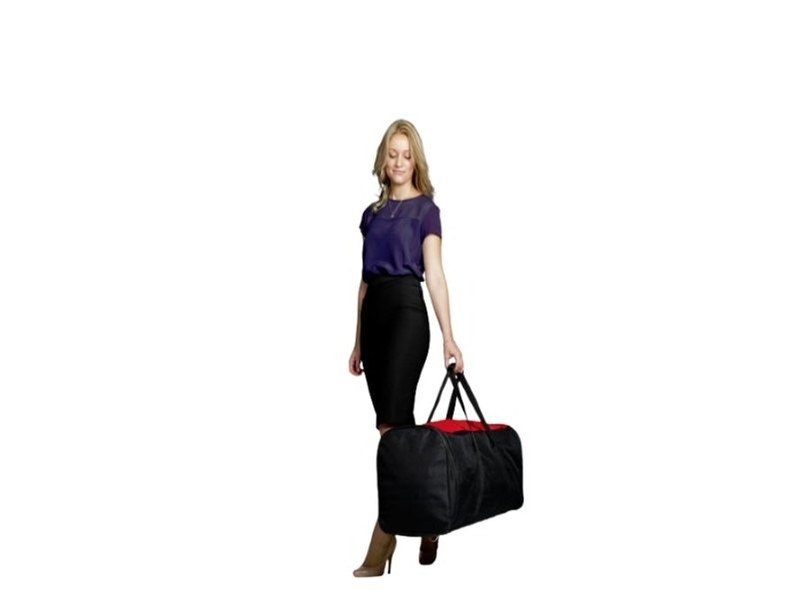
8. To pack up, undo the tension hooks, fold the frame back down and slide it into the carry bag with the graphic still on.
How do I change the graphic?
Our Big Mural graphics are interchangeable, so you can change your wall for a new event or audience yourself in about 5 minutes. Order the new graphic early: standard production time for a Big Mural is 1.5 weeks from when you order and your print-ready artwork is ready.
1. Set the frame up and attach the tension hooks, as above.
2. Pull the old graphic off the frame, starting at one corner.
3. Line the new graphic up at the top corners, then press it on along the top, the sides and the bottom. Make sure it wraps around each side of the frame evenly.
4. Fold the old graphic and keep it somewhere clean and dry, so it's ready to use again at your next event.
Note: Fabric graphics can be machine washed cold, so try washing a marked graphic before you replace it.
5. Finally, fold the frame back into its bag, and you're done!
Need some help?
We're here for you
If you're needing some advice or just a helping hand, please get in touch with our team, by clicking this button. Complete the enquiry form and one of our specialists will call you back as soon as we can.