


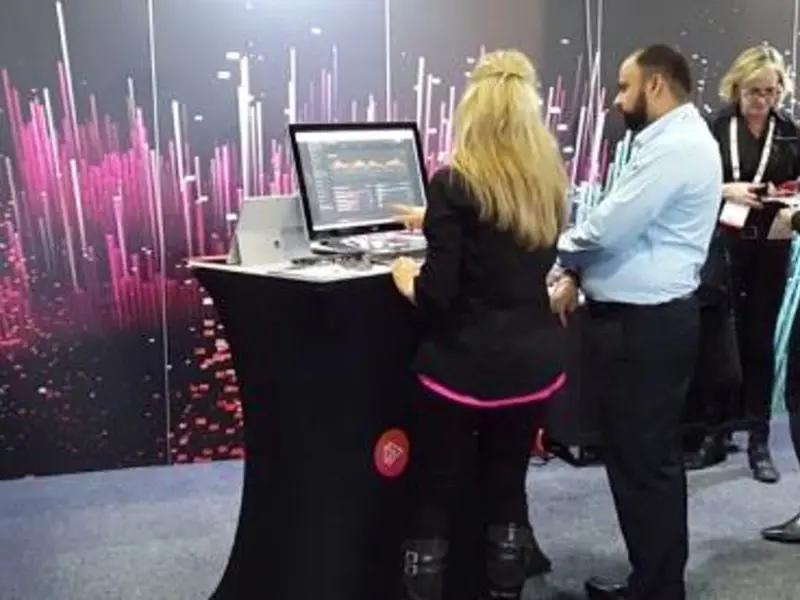
Yes, if it runs on Android or in a web browser. It can go on a free-standing digital kiosk, an interactive flat panel, a tablet on a counter or a smartphone, so pick the size that suits the space.
Mini Cart
YOUR CART IS CURRENTLY EMPTY
Software for digital screens
These are the jobs people most often give a screen: turning it into a photobooth, walking visitors through a live website, looping images or video while the stand is unattended, or running an interactive game to hold a queue. A screen can also work as an information board for session times or directions, or simply be used like a PC.
Why choose this software?
Built from your brief
Photobooths and games are built around what your activation needs, not taken off the shelf.
Reuse what you have
An existing TV ad, brand film or your own Android or web app can run on our screens.
Changes through the day
Images can change by time of day, and information boards can update as the programme moves on.
Kiosk, panel or tablet
The same program can run on a free-standing kiosk, a flat panel, a tablet or a phone.
Choosing the right software
A screen on its own does not do much. What it runs on the day is often left until the week before the event, and that content is a large part of whether people stop or walk past. Start with what the screen has to achieve, then pick the screen that suits the space.
The range
- Create a Photobooth Print on the spot, or let guests send a message of support
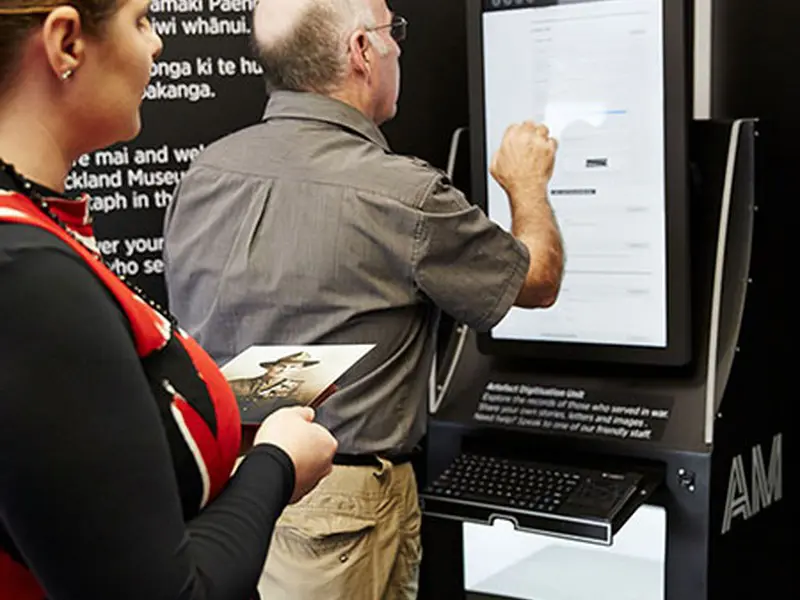
- Demonstrate a Website Your live site on a kiosk, so staff can click through the real detail with a visitor
- Display Images on a Loop Slides or static artwork in sequence, with different content scheduled through the day
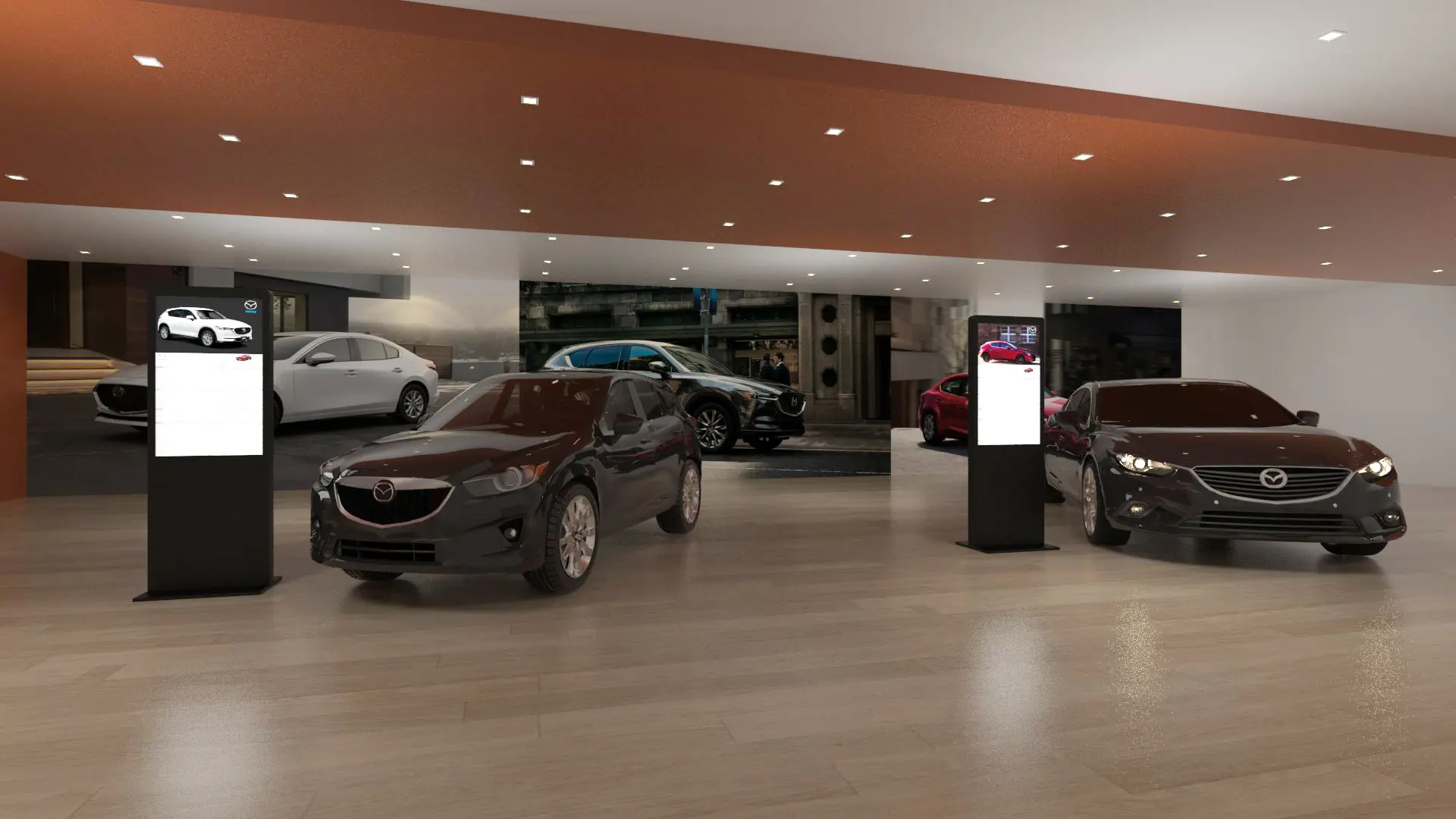
- Display Videos on a Loop An existing ad, brand film or explainer on repeat, on large screens or iPads
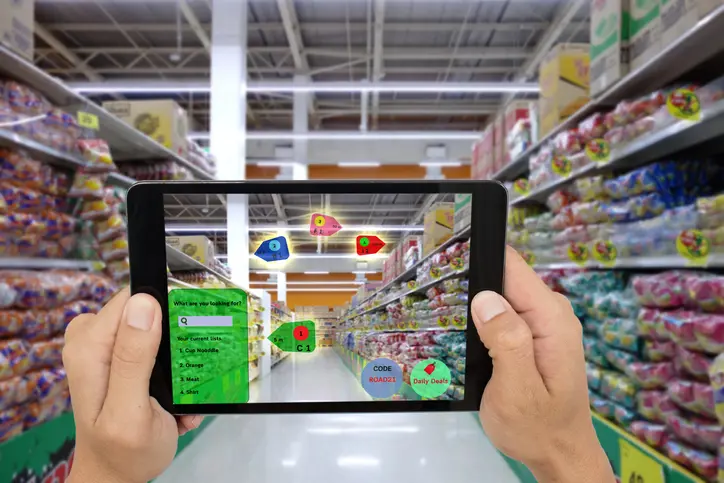
- Run an App or Program Android or browser-based software on a kiosk, flat panel, tablet or phone
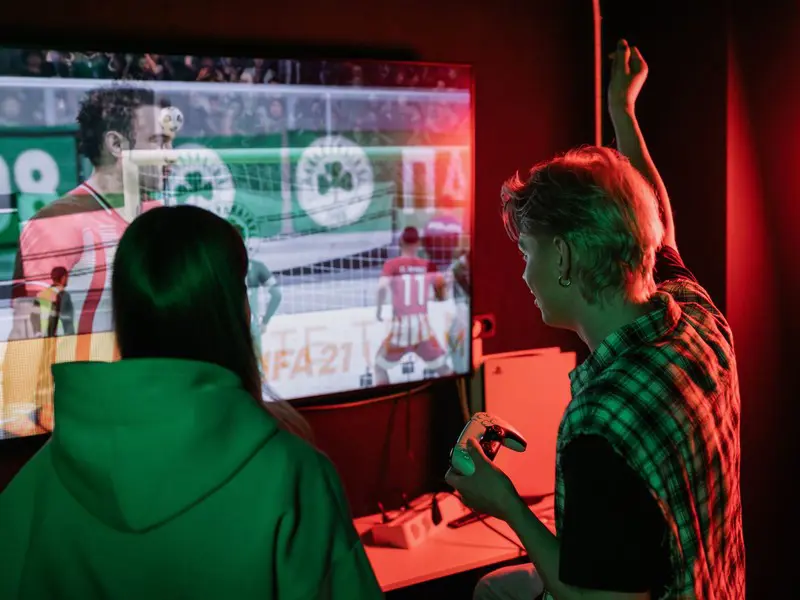
- Run an Interactive Game A game built around your brand, such as rowing and bike races against Olympic athletes
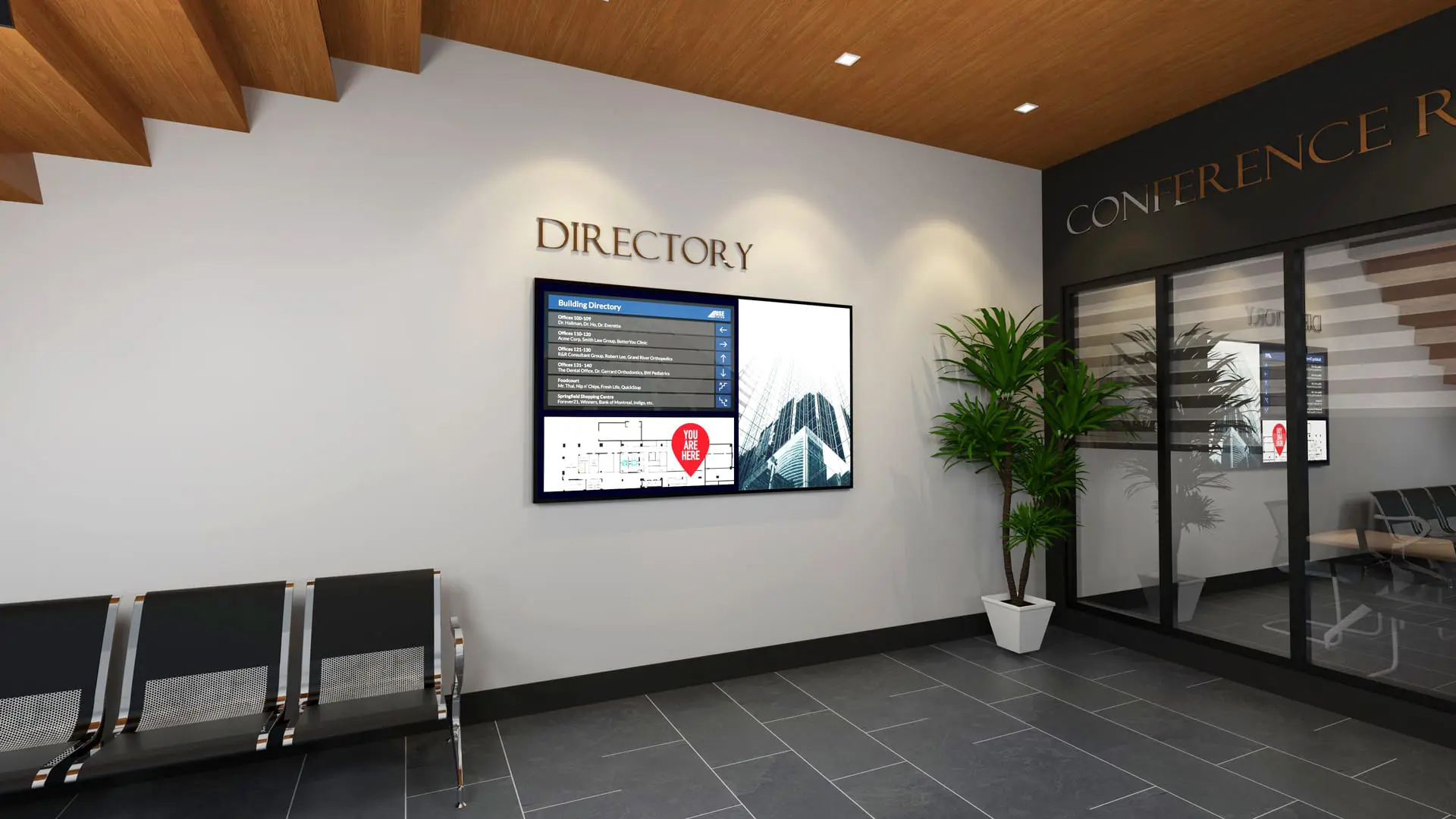
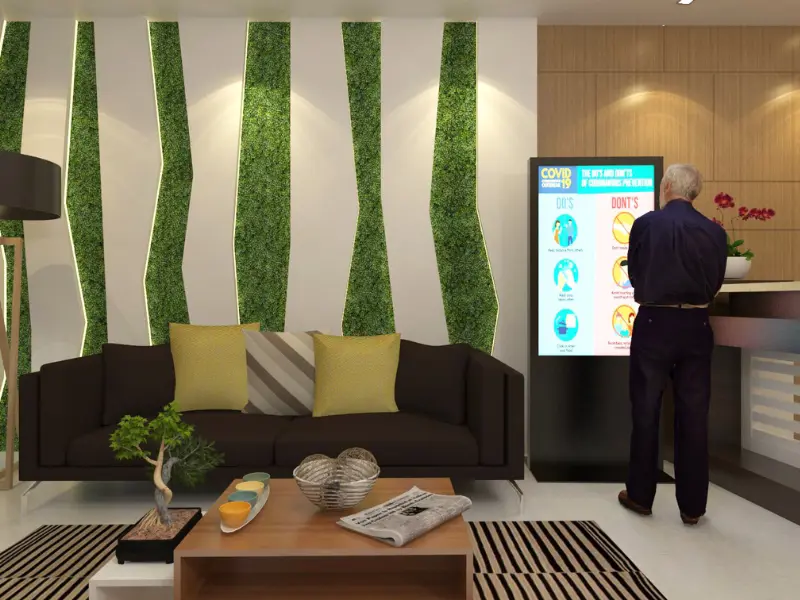
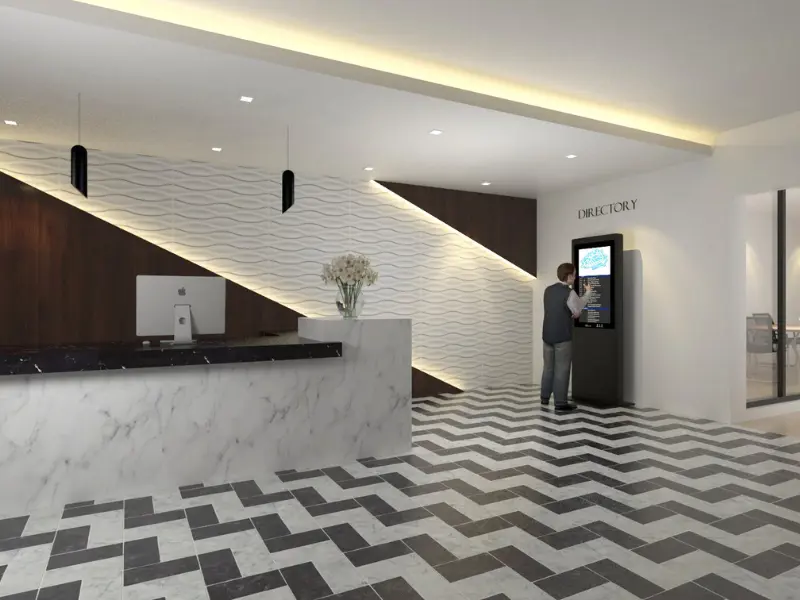
- Show an Information Board From one slide to a touch screen with session times, speaker bios and directions
- Use Your Screen Like a PC Connect a laptop by cable or wireless dongle and run your own presentation
Managing content remotely
If you want to change what plays without being on site, a small device attached to the screen and connected to wi-fi can run the content, so it can be updated remotely.
Commercial or domestic screens
For a simple job such as running a laptop presentation, we typically pair the content with a digital flat panel or even a regular TV. Commercial-grade screens cost substantially more than domestic ones, and they perform better too, so ask us about the difference before you choose.
Not sure what the screen should run?
Tell us what you want visitors to do, and we will suggest the content and the screen to run it.
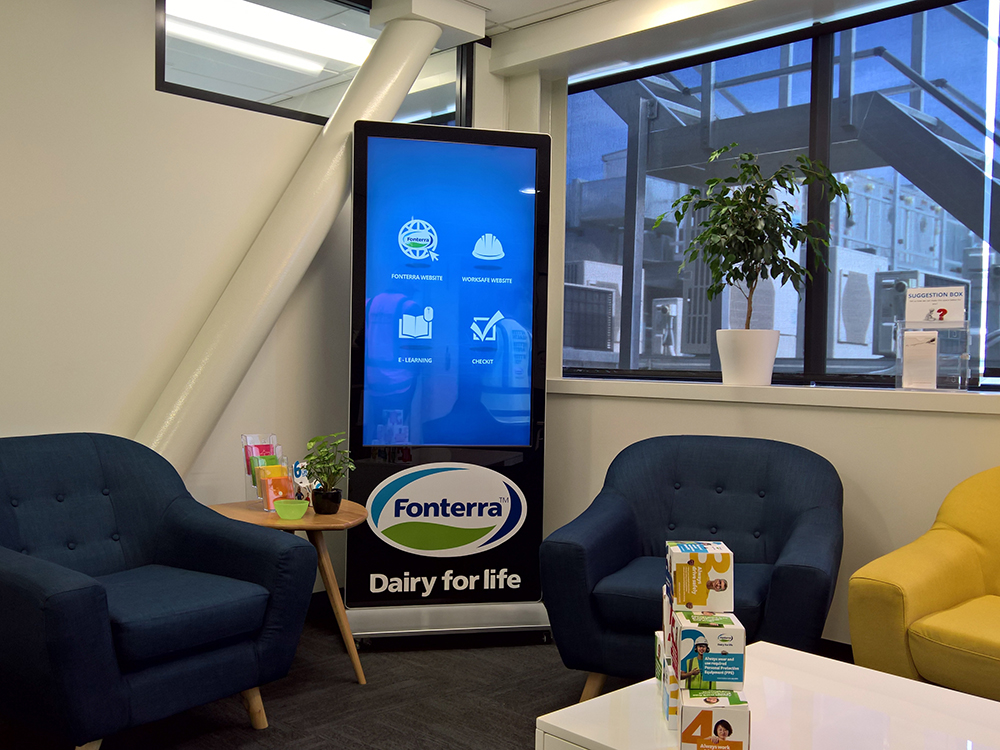
Information kiosk
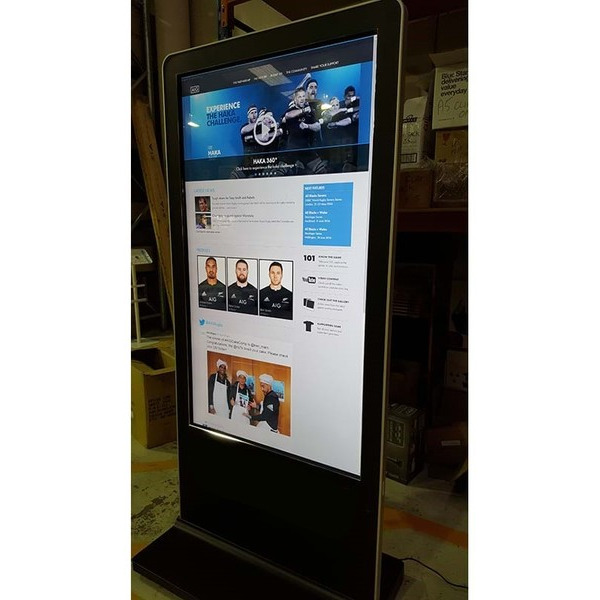
Website on a kiosk
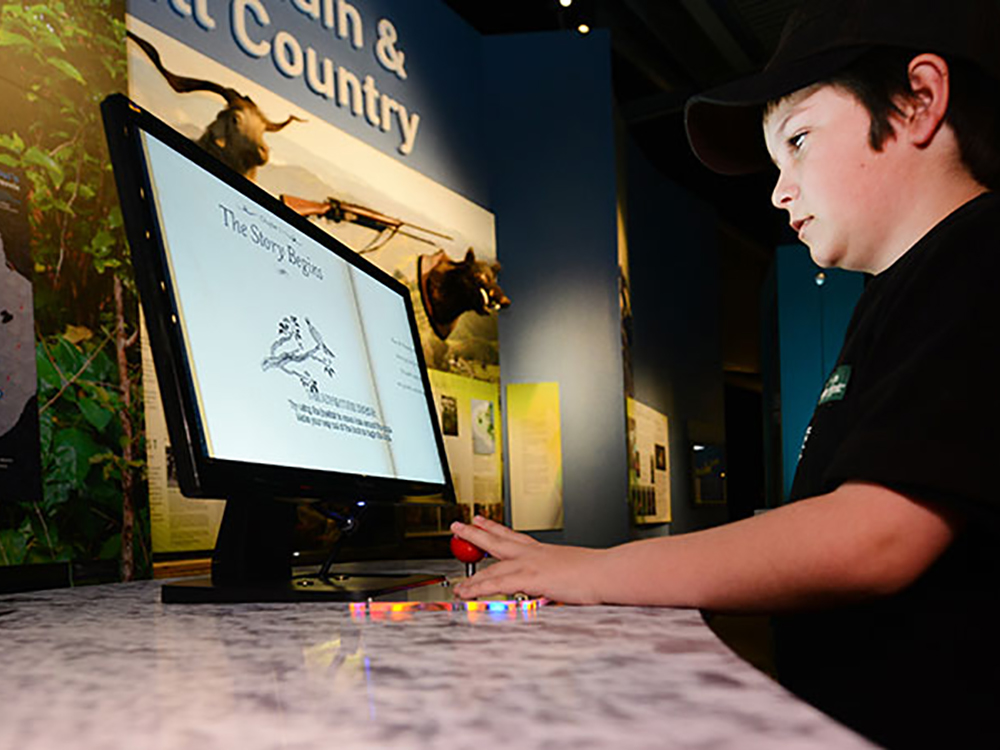
Custom app with joystick
Frequently asked questions
Can I run my own app on your screens?
Can I reuse a video we already have?
Yes. An existing TV ad, brand film or product explainer can be set to play on a repeating loop, on a large screen or on iPads in a shop window. Send the file and tell us which screens it needs to play on.
Can the content change during the day?
Yes. Image loops can be scheduled so different content plays at different times, like a menu board that changes from breakfast to lunch. An information board can be programmed to update as a conference programme moves on.
How do I connect a laptop to the screen?
By cable (typically HDMI, USB or VGA) or through a wireless dongle. To manage the content remotely instead, a small wi-fi connected device can be attached to the screen to run it.
Can I hire the screen as well?
Yes. Every screen we supply can be hired, so the content and the hardware can come from one place for a single event.